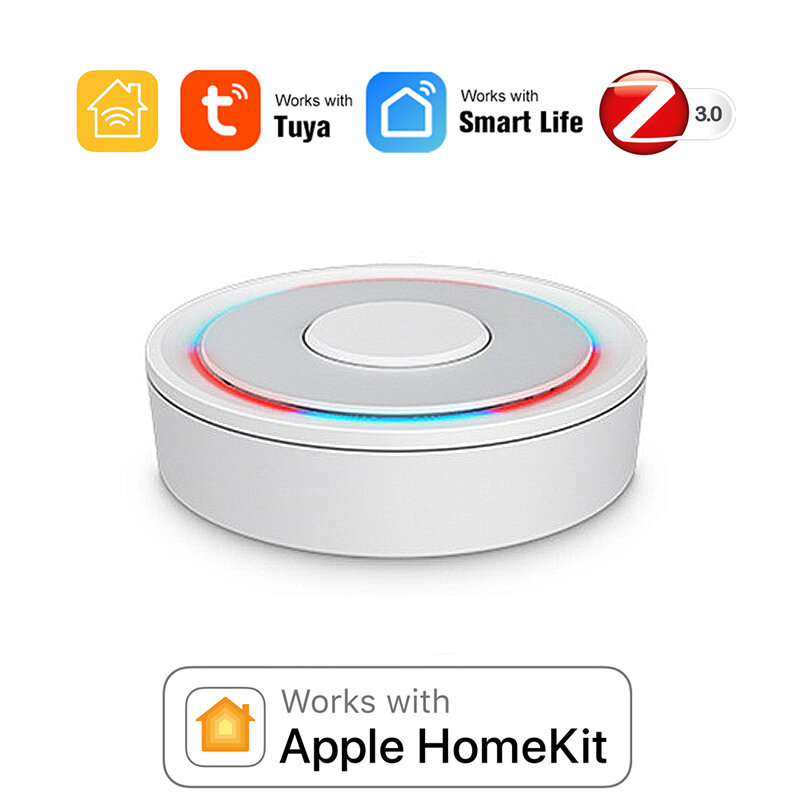
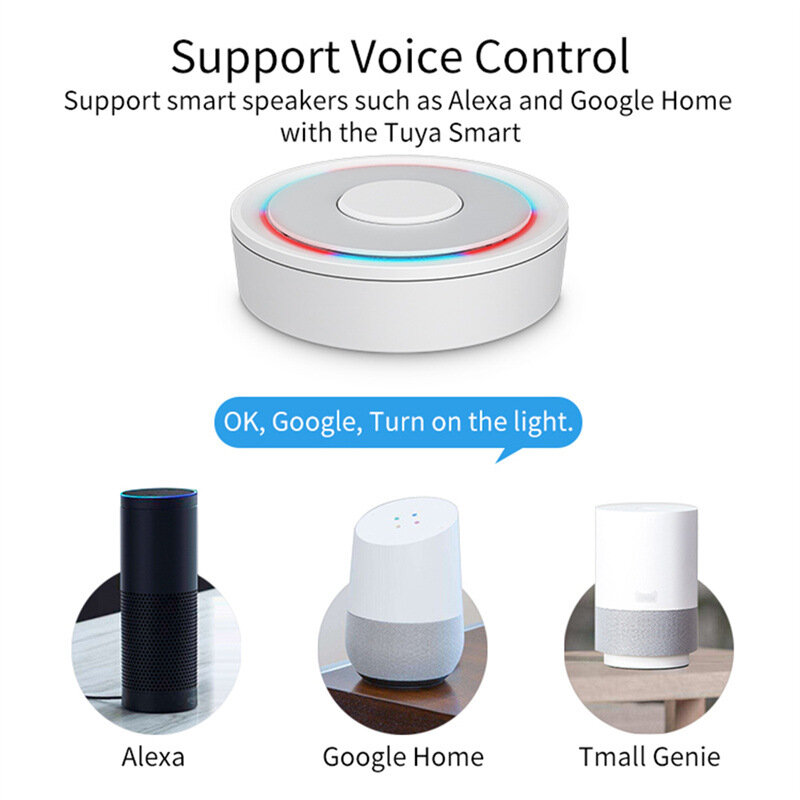
Hub de enlace con cable Tuya Homekit Zigbe, aplicación de control remoto, puente inteligente para el hogar, compatible con control por voz con Alexa y Google Home.
* Estimated delivery times start from the date of shipment, excluding processing time.
* Actual delivery times may vary due to holidays, weather conditions, or customs delays.
Envío estándar gratis en pedidos superiores a $9.9
Política de devolución
Los artículos devueltos serán aceptados dentro de los 40 días posteriores a la recepción de los productos. Los artículos personalizados no se pueden devolver ni cambiar. Los artículos comprados con una tarjeta de regalo electrónica solo son intercambiables; no se aplican reembolsos.
Regalo gratis
Bienvenido a Roymall, tu sitio web profesional para comprar regalos de tiendas departamentales premium. Valoramos y apreciamos mucho tu apoyo, y queremos expresar nuestra gratitud agregando un toque extra de emoción a tus compras. Cuando compras con nosotros, no solo disfrutas de productos de alta calidad que mejoran tu estilo de vida, sino que también recibirás un regalo exclusivo con cada pedido que realices. ¿Listo para explorar nuestra colección y encontrar tus regalos perfectos? Navega por nuestra selección de artículos de tiendas departamentales premium, realiza tu pedido y espera con ansias la emoción de recibir tu regalo gratis junto con tu compra.
Política de envío
Trabajaremos duro para entregarte los artículos después de recibir tus pedidos y asegurarnos de que lleguen de manera segura. Los detalles de entrega se proporcionarán en tu correo de confirmación.En la mayoría de los casos, los pedidos se procesan en 2 días. En circunstancias especiales, se retrasará de la siguiente manera: Cuando realices un pedido el sábado, domingo o días festivos, se retrasará 2 días.Normalmente, se necesitan de 5 a 7 días hábiles (de lunes a viernes) sin verse afectado por retrasos en los vuelos u otros factores ambientales.Debido a que nuestro servicio de envío es mundial, los tiempos de entrega dependerán de tu ubicación, por lo que puede tardar unos días y te pedimos paciencia si estás en distritos o países remotos.
1. Política de devolución y cambio
Solo aceptamos artículos comprados en roymall.com. Si compras a través de nuestros distribuidores locales u otros minoristas, no puedes devolverlos con nosotros.Los artículos de venta final o regalos gratuitos no son aceptables para devolución.Para ser elegible para una devolución, tu artículo debe estar sin usar y en las mismas condiciones en que lo recibiste. También debe estar en su empaque original.Después de recibir las instrucciones de devolución de nuestra parte, por favor empaqueta tus artículos devueltos y deja tu paquete en la oficina de correos local o en otro servicio de mensajería. Procesaremos tu devolución o cambio de artículo en un plazo de 3 a 5 días hábiles después de recibirlo. El reembolso se procesará y acreditará automáticamente en tu método de pago original.No se aceptan devoluciones ni cambios si el producto fue producido a medida, incluido tamaño personalizado, color personalizado o impresión personalizada.¿Necesitas más ayuda? Contáctanos. service@roymall.com o Whatsapp: +447549870296
2. Política de reembolso
Recibirás un reembolso completo o un crédito de tienda del 100% después de que recibamos y verifiquemos el paquete devuelto. El reembolso se procesará y acreditará automáticamente en tu método de pago original.Ten en cuenta que los costos de envío y cualquier impuesto o tarifa no son reembolsables. Los costos de envío adicionales no son reembolsables una vez que el paquete ha sido enviado. Eres responsable de pagar estas tarifas y no podemos exonerarlas ni reembolsarlas, incluso si el pedido nos es devuelto.Una vez que recibamos y confirmemos tu artículo devuelto, te enviaremos un correo electrónico para notificarte que hemos recibido tu artículo devuelto. También te notificaremos la aprobación o el rechazo de tu reembolso.Si tienes algún problema con el proceso de reembolso, contáctanos. service@roymall.com o Whatsapp: +447549870296
Specification:
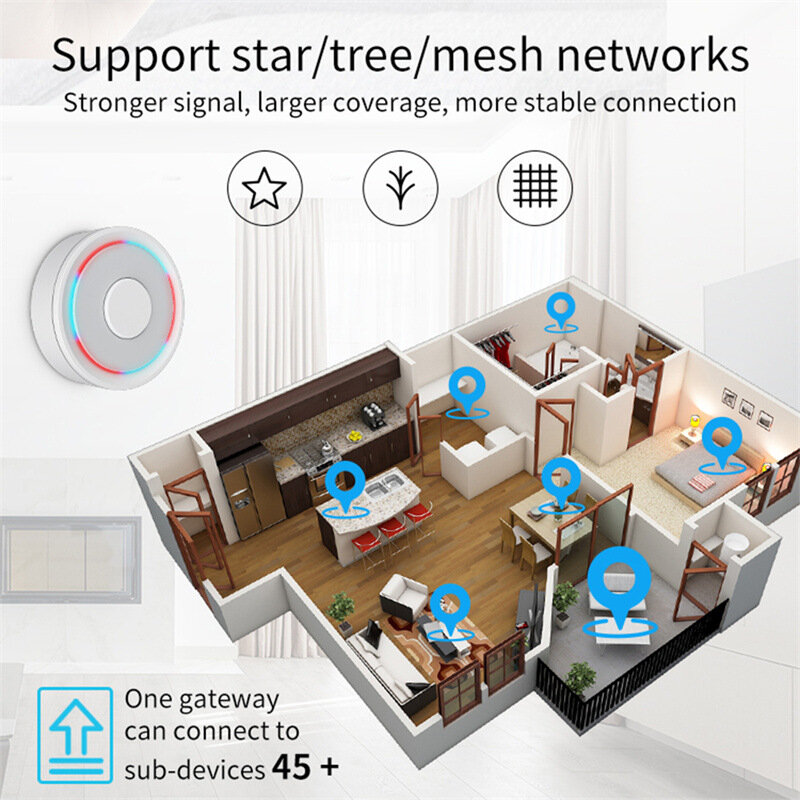
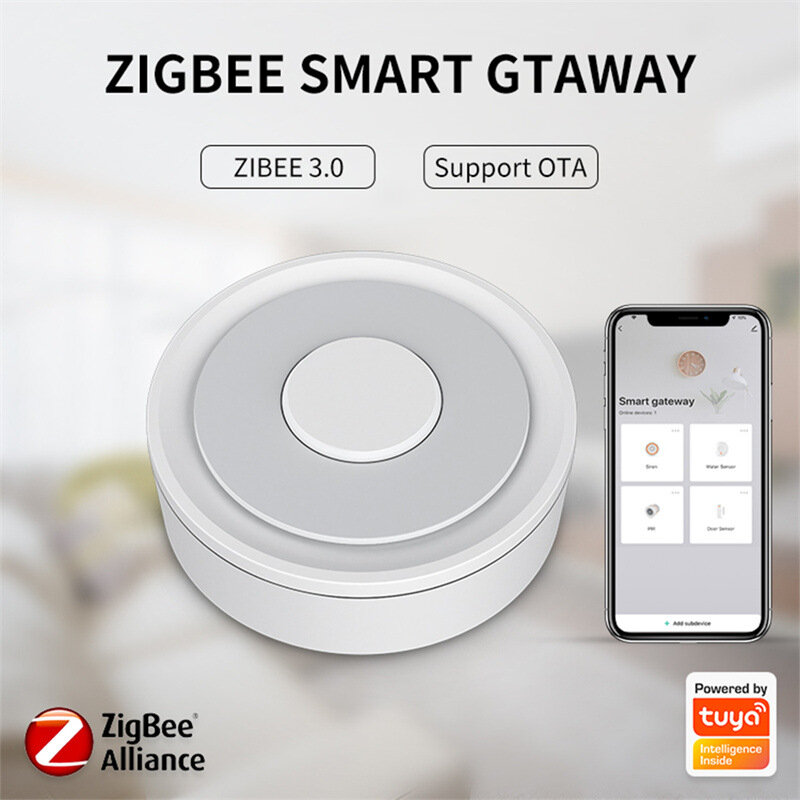
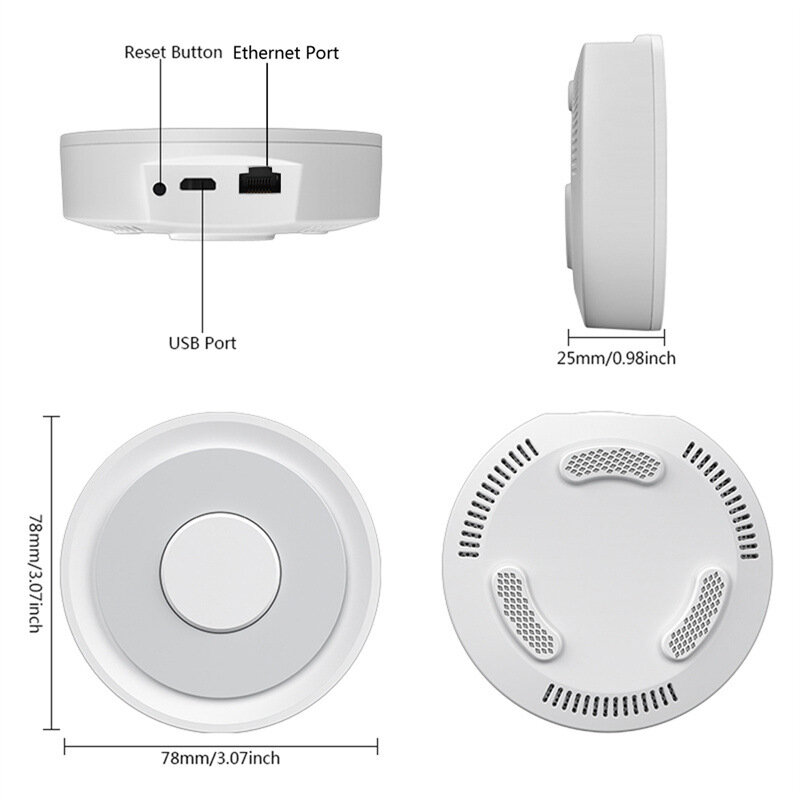
Model Number: Homekit ZigBe Gateway Hub 3.0 Gateway HubUSB power supply: 5V/1A(Power adapter not included)Working temperature: 10C-55℃Working humidity: 10%-90% RUStorage temperature: 10C-55℃Storage humidity: 10%-90% RHNetwork protocol: Zigbe IEEE 802.15.4Product type: Wired gateway(Needs to be connected to the network through the Ethernet Port.)Firmware upgrade: OTA supportSize: 78x78x25MM
Package Include:
1x Gateway
Supplementary Note
:
u2460Supports both HomeKit and ZigBe protocols.u2461This device cannot be directly connected to WiFi(Needs to be connected to the network through the Ethernet Port,The Ethernet port is only used for network connection, not for power supply).u2462This is a dual-purpose gateway, which can be used as a ZigBe Hub to connect with TUYA APP, or as a HomeKit Hub to connect with Apple Home APP.u2463If you want your Zigbe smart device to connect to Apple Home APP through this Gateway/Hub, you need to make sure your Zigbe smart device supports HomeKit authentication protocol.u2464When using the TUYA APP, Most Zigbe devices can be added to the gateway. (Non-ZigBe protocol smart devices such as TUYA WiFi smart devices cannot access this ZigBe gateway).u2465When using the Apple Home APP, you can add HomeKit-certified Zigbe devices to the gateway.u2466Only HomeKit certified Zigbe smart devices can be added to the Apple Home APP.Therefore, you cannot connect an uncertified TUYA Zigbe smart device to the Apple Home APP through this HomeKit Hub.u2467When you use Apple Home APP to connect smart devices, you need to make sure that your smart devices are using ZigBe protocol and have been certified by HomeKit, otherwise it will not work, thanks.u2468This gateway is not compatible with the following device: Tuya Zigbe Smart IR Remote (Tuya ZS06), this device requires the Main Module Versin of the gateway must be higher than 1.31.0, and our gateway Main Module Versin is: 1.3.0.u2469Please note: The latest version of the HomeKit APP has been updated. Devices such as gateways and bridges will no longer be displayed on the homepage and the homepage of the default room. You will not see the gateway that has been successfully added to the HomeKit APP in the default room.u246aNon-ZigBe protocol smart devices such as TUYA WiFi smart devices cannot access this ZigBe gateway.
How to find this Gateway in the Apple Home APP uff1fStep 1: Click Home Settings. Step 2: Click Home Hubs & Bridges. Step 3: Click Bedroom NEO Gateway (the gateway you want to find). How to add a sub-device, please refer to the steps of adding a sub-device below. After the gateway is successfully added, there is basically no need to operate in the app, unless you want to delete the gateway, so it is a reasonable arrangement to hide it in the default room. When you need to pair with a smart device, you only need to short press the black button on the gateway. How to restore factory settings:You can restore factory settings by long pressing the black button on the device, but you cannot judge whether the factory settings are successfully restored by factors such as lights. You need to connect the device to TUYA / Smart Life APP first, and then long press the black button on the device. When you see the gateway disappear from your TUYA / Smart Life APP, you can prove that the factory reset is complete. How to use TUYA / Smart Life APP and Apple Home APP at the same time?If you want to use two APPs at the same time, we recommend to connect Apple Home APP first, and then connect TUYA / Smart Life APP, everything will go smoothly. Conversely, when you connect TUYA / Smart Life APP first, then connect Apple Home APP, It will cause the Apple Home APP to fail to connect, and the device cannot be found.
Tips:For questions about your order, place of delivery, product discount, taxation, delivery time, warranty, shipping, payment, exchange rate, and other questions unrelated to the product, please contact customer service.
showing 1-2 of 2|
Show Original
A part of the QA has been auto-translated.
0
Q:
can i use it for zigbee and wireless (tuya compatible devices)
can i use it for both zigbee and wireless (tuya compatoble) devices?
Most Zigbe devices can be added to the gateway when using TUYA APP. (Non-ZigBe protocol smart devices such as TUYA WiFi smart devices cannot access the ZigBe gateway).
Most Zigbe devices can be added to the gateway when using TUYA APP. (Non-ZigBe protocol smart devices such as TUYA WiFi smart devices cannot access the ZigBe gateway)
Answered by Slangw hanger on 14/02/2024Helpful (0)





 Direct purchase from the factory

![[US DIRECT] ATOMSTACK A5 M50 APP Control Dual-Laser Laser Engraving Cutting Machine Laser Engraver Cutter 5.5W Output Power Fixed-Focus 304 Mirror Stainless Steel Engraving DIY Laser Marking for Metal Wood Leather Vinyl](https://static.roymall.com/d/file/mall/titlepic/235/67803406-41f3-499a-afb7-154990584ff8.jpg?x-oss-process=image/resize,w_237/quality,Q_80/format,webp)


![[EU/US Direct]Raiser for LONGER RAY5 Engraver](https://static.roymall.com/d/file/mall/bigpic/235/65e9b76d-574a-4b4b-9c6c-02db18b89460.jpg?x-oss-process=image/resize,w_237/quality,Q_80/format,webp)
![[US/UK Direct] Refurbished ULTIMEA Nova S70 3.1.2 Soundbar 390W True Dolby Atmos Soundbar BassMax 4K Dolby Vision HDR Passthrough 3EQ Modes Wired Speaker Subwoofer](https://static.roymall.com/d/file/mall/titlepic/235/e1440062-c78c-4565-8aa7-f8857d749771.jpg?x-oss-process=image/resize,w_237/quality,Q_80/format,webp)


 Multi Rotor Parts
 Regalo gratis
 Política de envío
 Política de devolución